
Guides
How to choose the right part, check compatibility and look after your laptop.
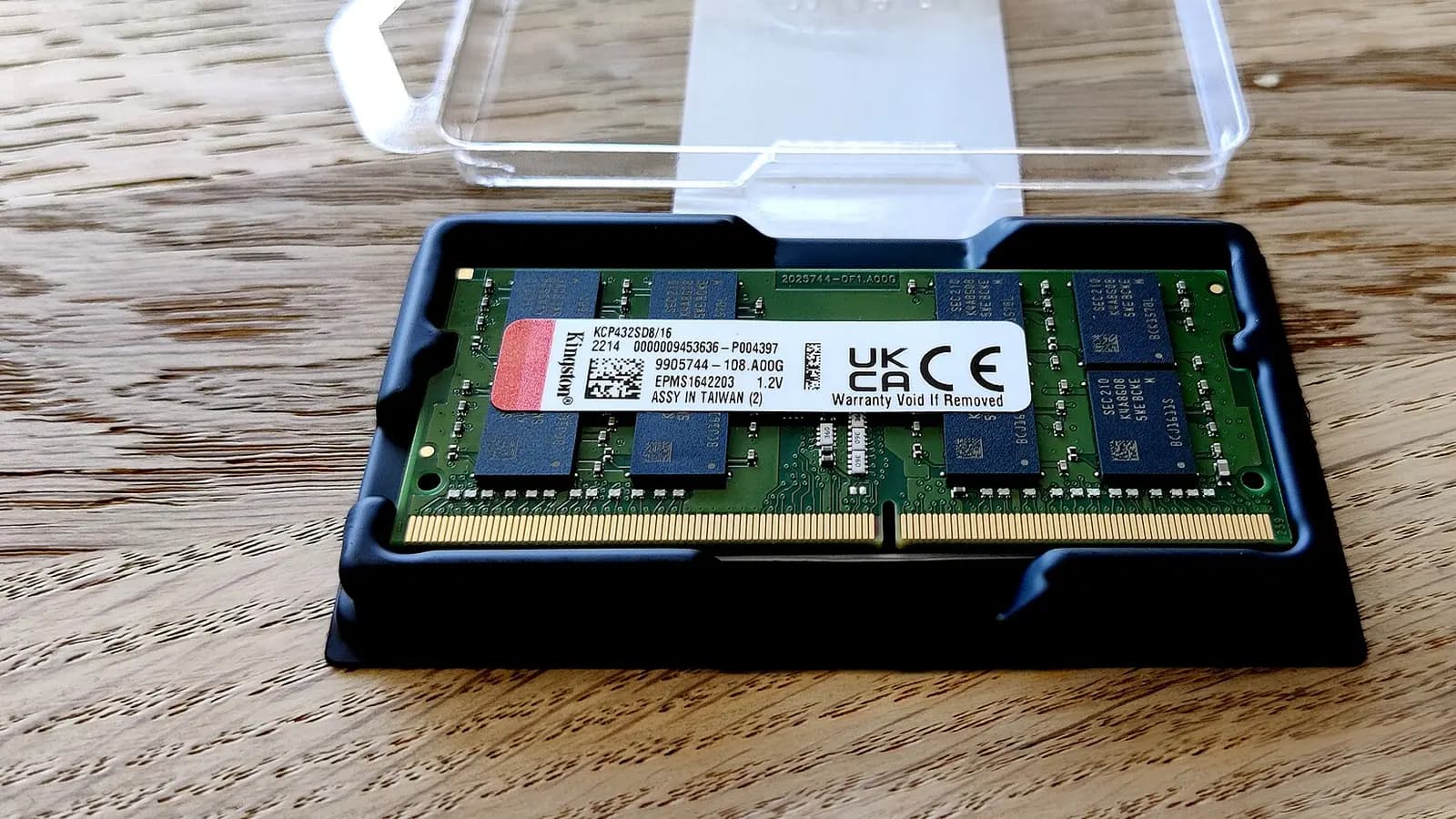 Memory19 October 20263 min read
Laptop ram upgrade: check, buy and fit safely
A laptop ram upgrade works only on socketed models. Learn how to check compatibility, choose SO-DIMM memory and install it safely.
Read the guide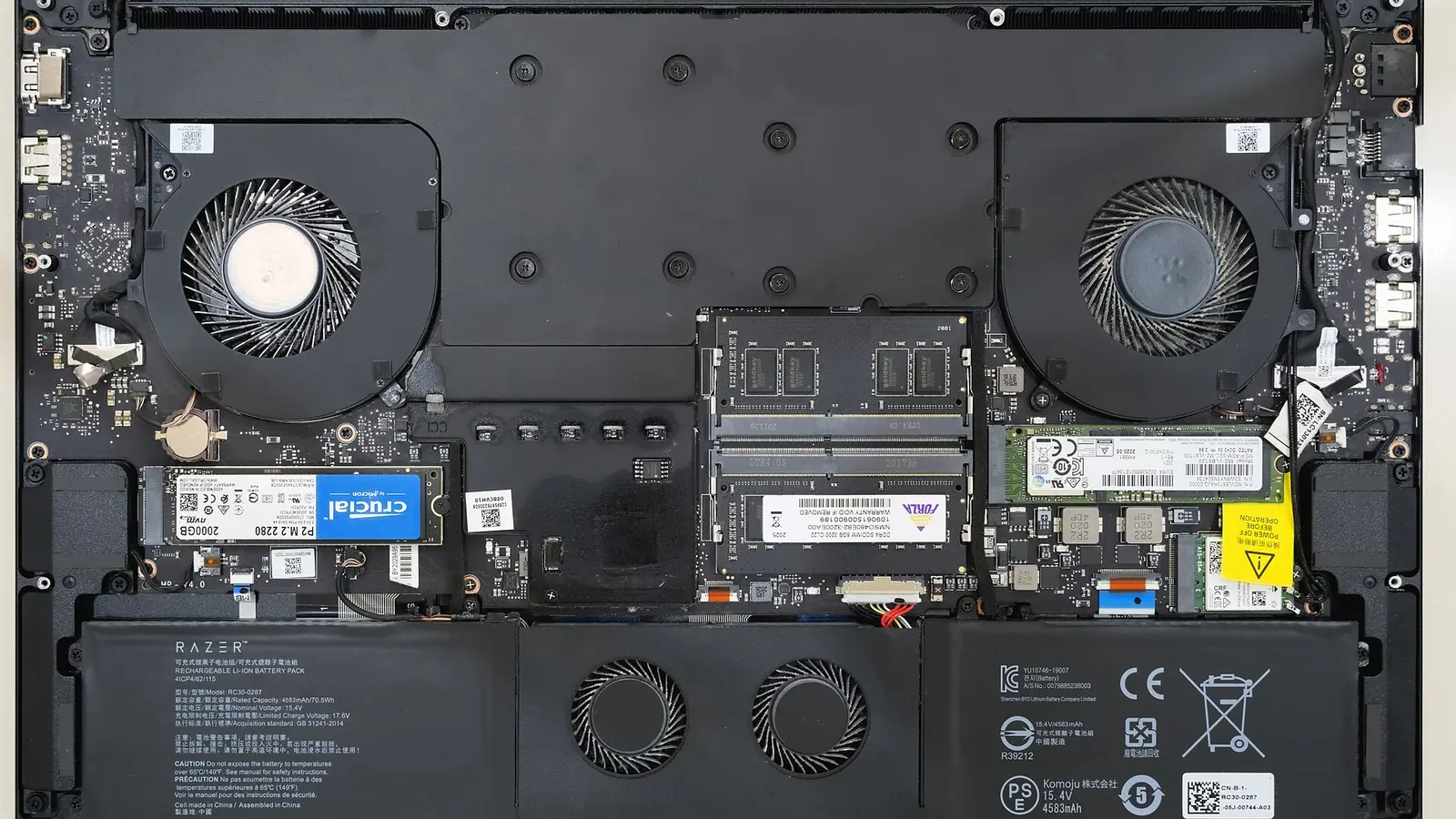 Batteries19 October 20264 min read
Laptop Battery Replacement: Can You Do It Safely?
Laptop battery replacement is possible at home only for suitable models. Learn how to identify the battery, match the part and swap it safely.
Read the guide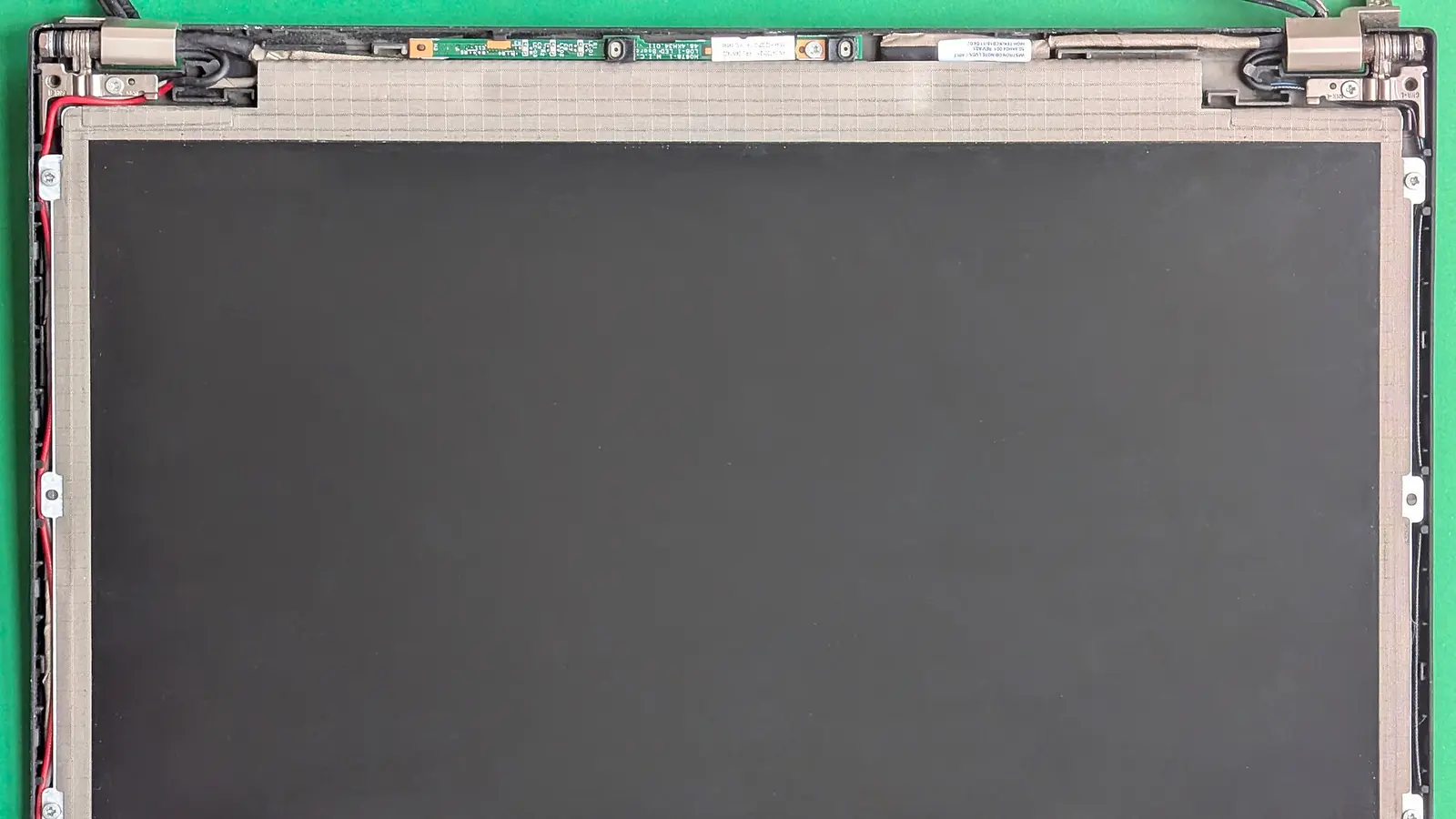 Screens16 October 20264 min read
Laptop screen replacement: DIY or pay a technician?
Laptop screen replacement can be DIY on some models, but glued, touch, OLED and Mac displays may need tools, calibration or a technician.
Read the guide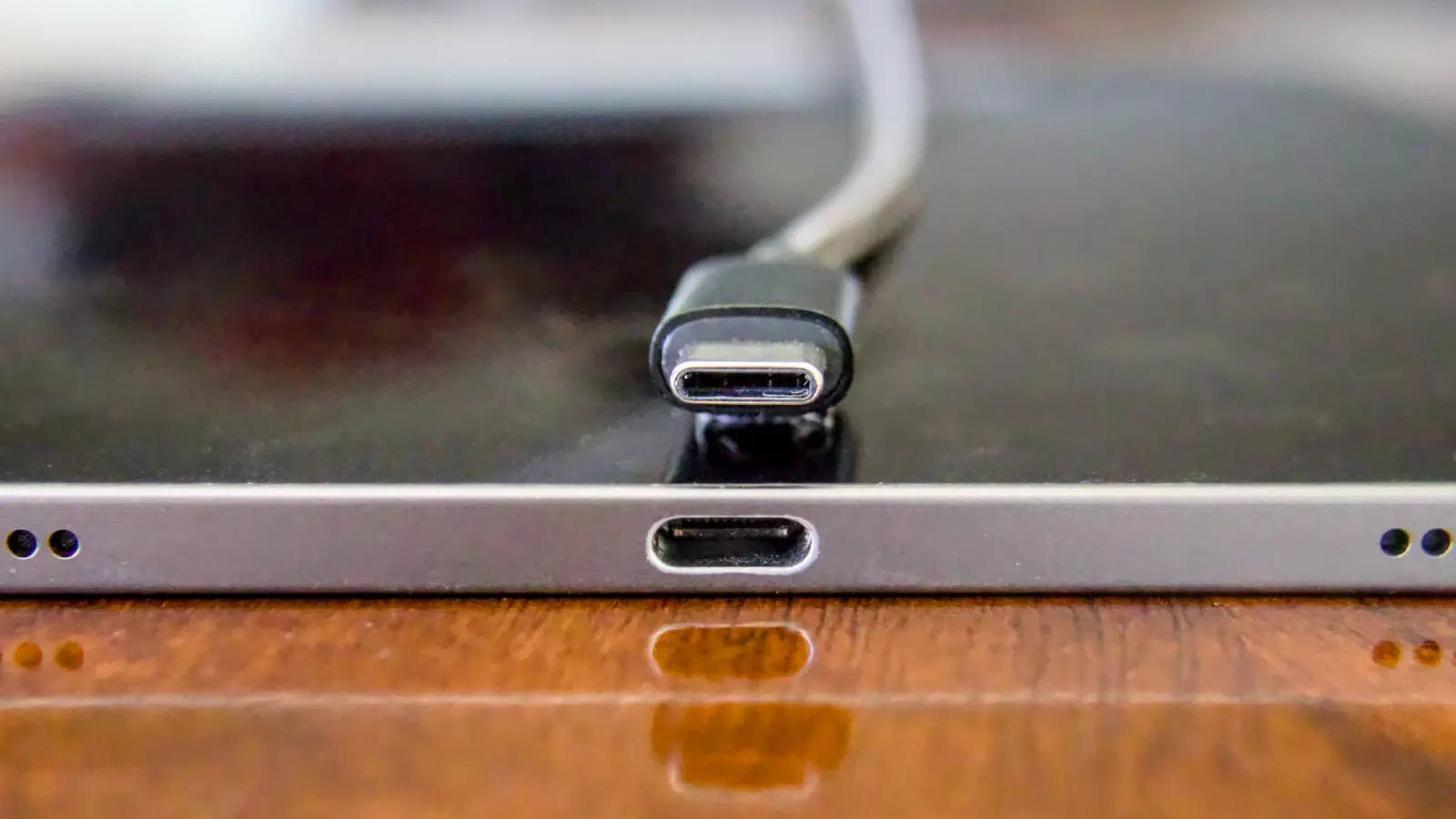 Chargers15 October 20263 min read
usb c laptop charger: what wattage do you need?
A usb c laptop charger must support USB Power Delivery and enough watts for your model; some USB-C ports do not accept charging.
Read the guide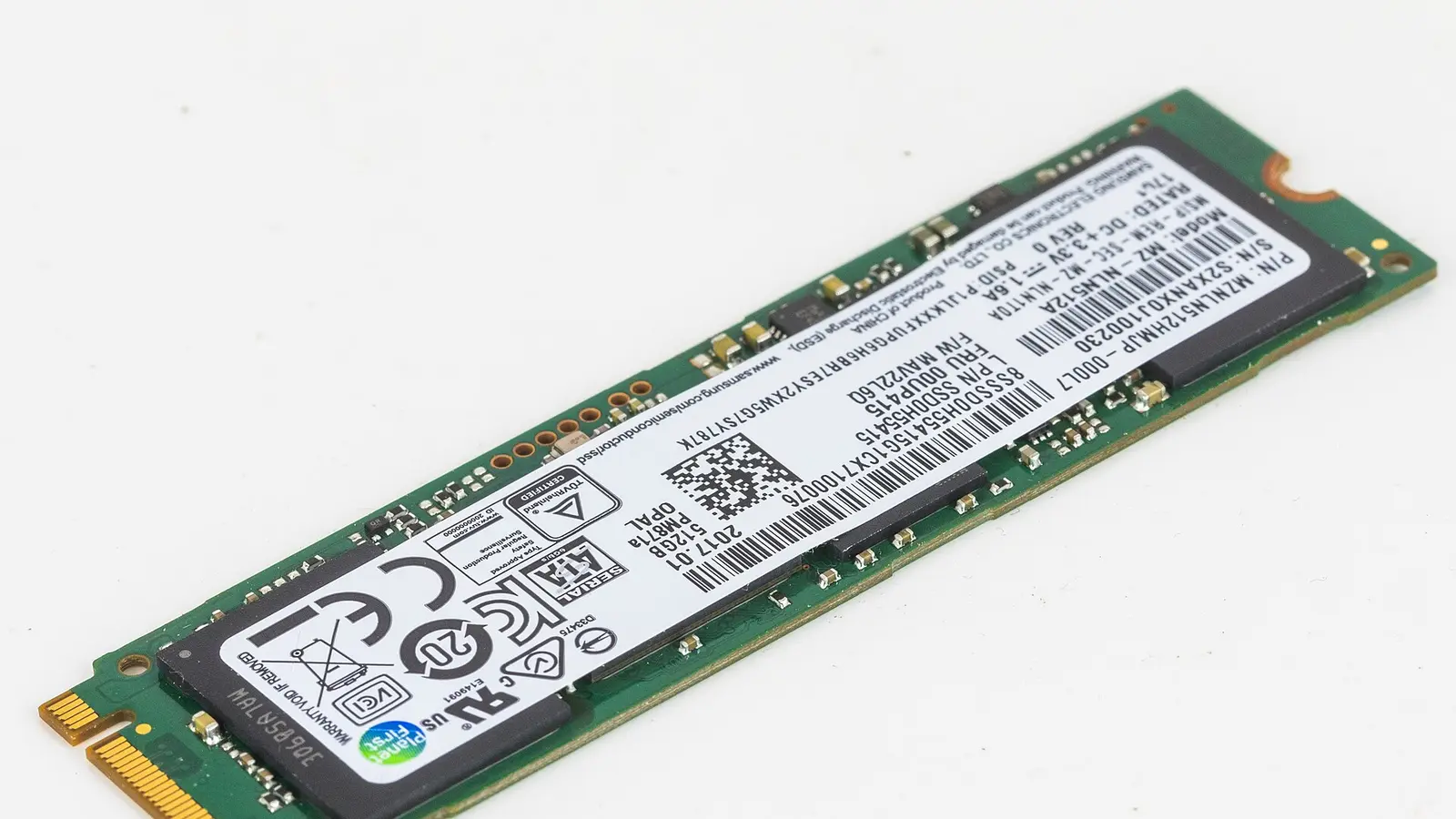 Storage14 October 20263 min read
What is M.2 SSD? Laptop compatibility explained
What is M.2 SSD? It is a small drive shape, not a speed rating. Learn SATA vs NVMe and how to check your laptop slot.
Read the guide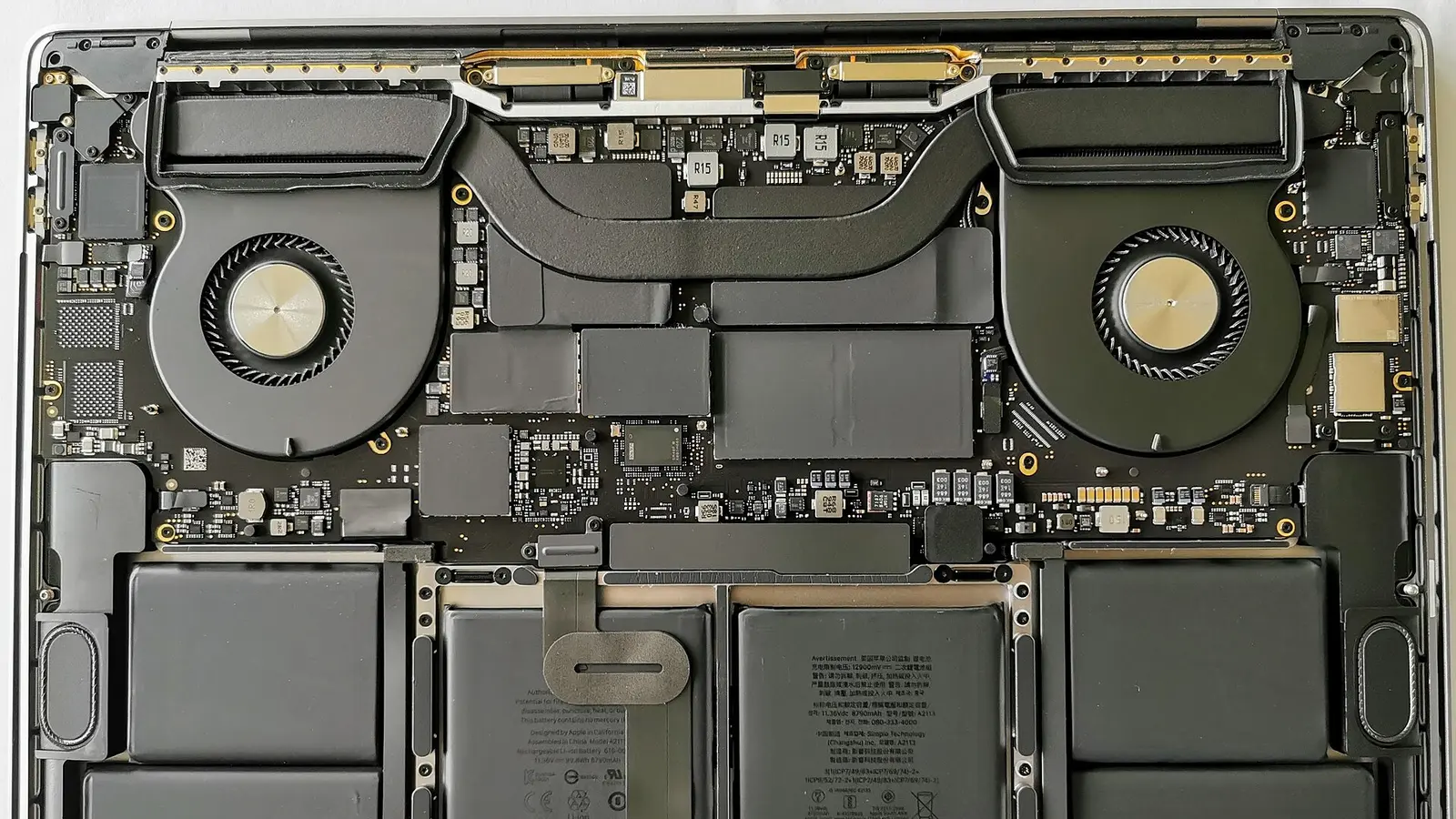 Parts & tools13 October 20263 min read
how to check laptop specs for parts
Learn how to check laptop specs in Windows, copy exact RAM, drive, screen and battery fields, and prepare parts details for compatibility checks.
Read the guide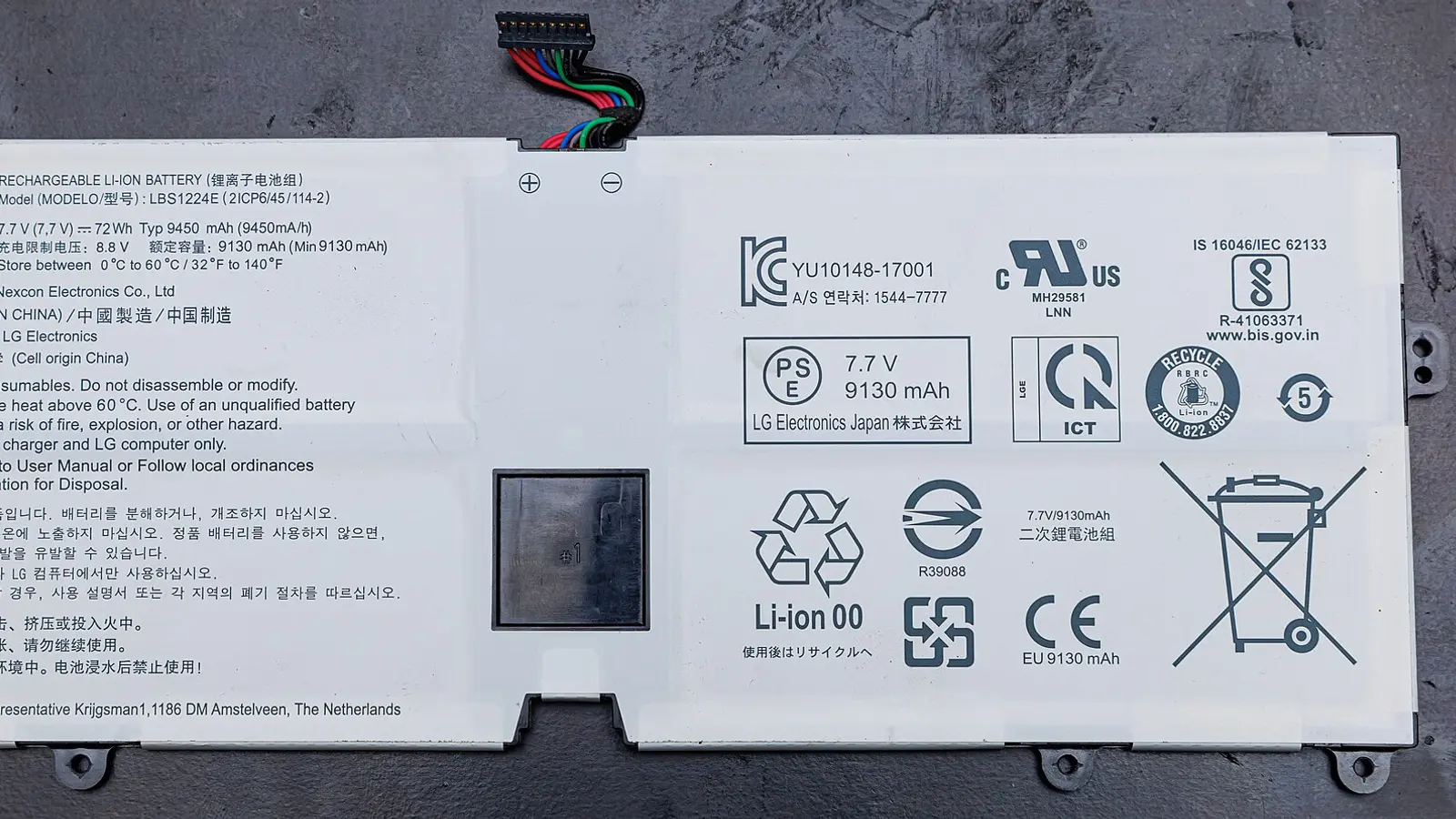 Batteries12 October 20264 min read
How to check laptop battery health
Learn how to check laptop battery health with Windows battery report, compare design and full-charge capacity, read cycles, and decide when to replace.
Read the guide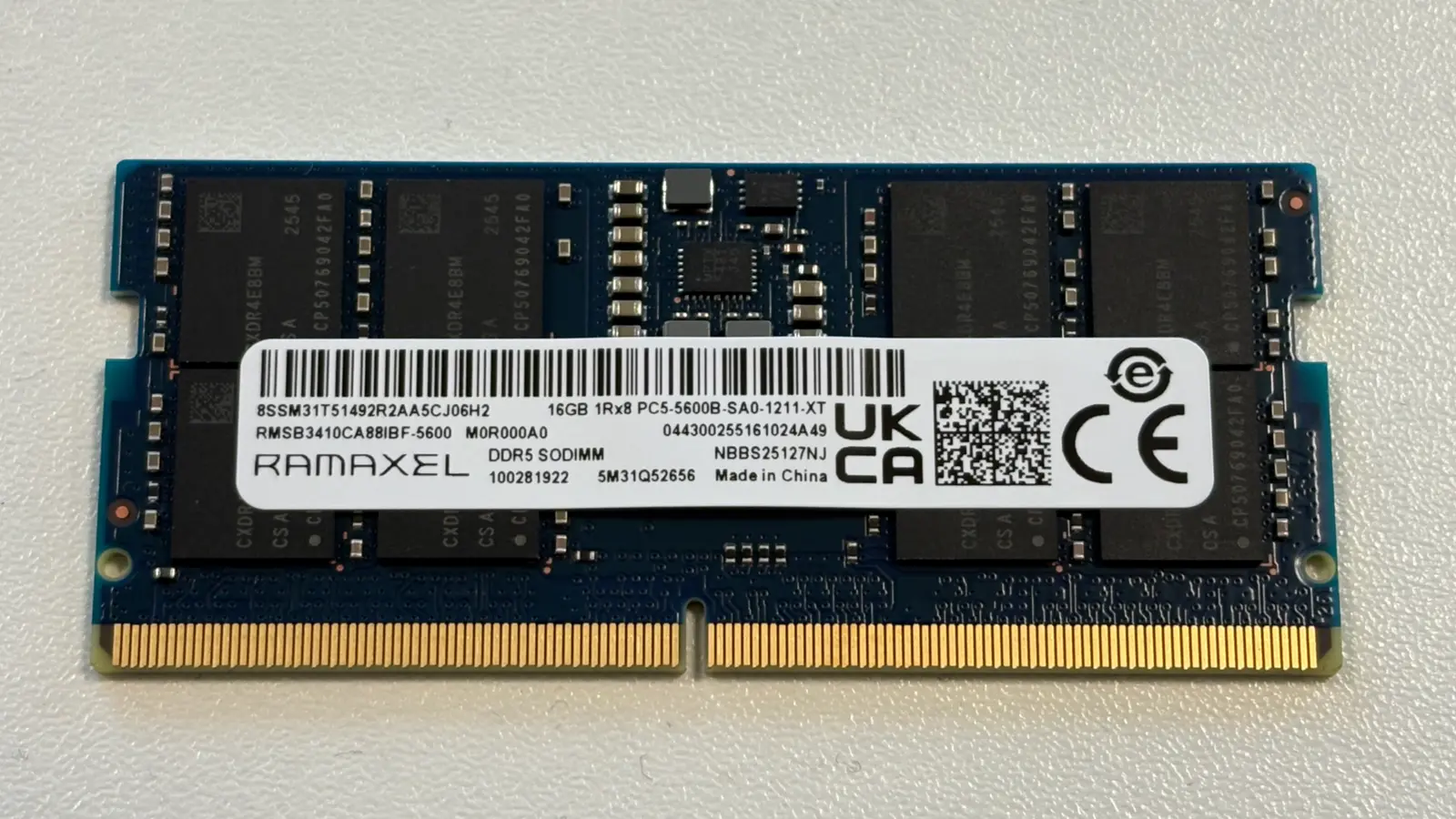 Memory9 October 20264 min read
Laptop DDR5 RAM: what fits and what speed matters
Laptop DDR5 RAM fits only notebooks designed for DDR5 modules. Check your exact model, slot type, capacity limit and speed ceiling first.
Read the guide General26 June 20263 min read
How to Buy a Laptop Battery
Learn how to choose the right laptop battery in SG and Asia by model, part number, voltage, capacity and connector match.
Read the guide
What these guides cover
Our guides explain, in plain words, how to find the right replacement part for your laptop: where to read the part number, which details must match (such as a battery's voltage or a memory module's type and speed), and what to check before you order. New guides are added regularly. Every guide is written for laptop owners rather than technicians, and each one ends with the questions customers ask us most often.
Ready to shop? Browse all products. Ordering from abroad? See worldwide shipping. Still unsure which part you need? Ask us on WhatsApp.